By Repli Team · June 5, 2026 · Tutorial
Quick Answer
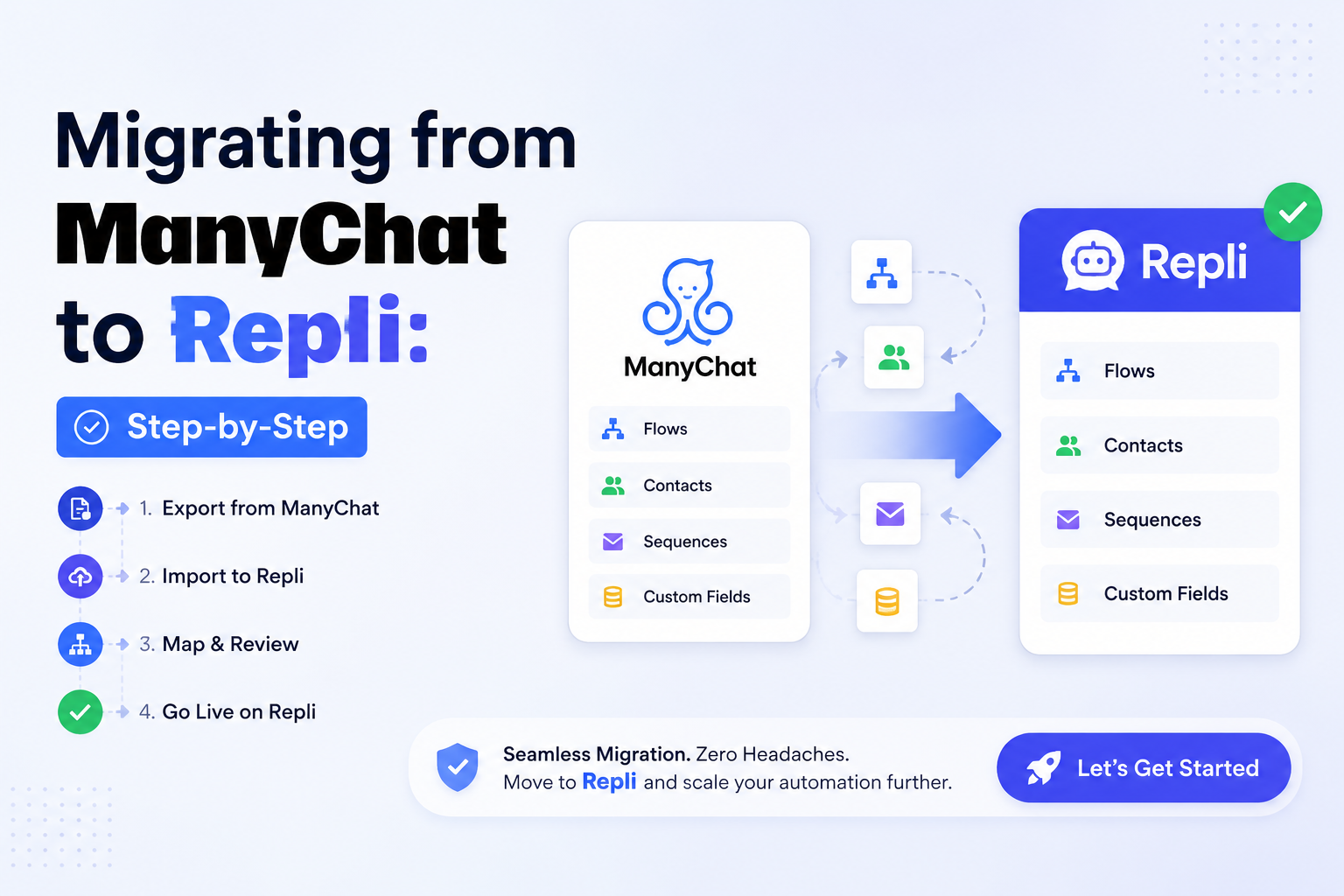
Recreate your flows, keep your audience, save on cost.
Are you posting incredible content only to be met with silence? You're not alone. Many brands and creators are searching for how to increase Instagram engagement rate in a landscape governed by an ever-changing algorithm. The great news is that boosting your interaction isn't about luck; it's about implementing a smart, consistent strategy focused on value, community, and authenticity.
Key Takeaways
- Your Instagram engagement rate is a core metric calculated by dividing total interactions (likes, comments, saves, shares) by your follower count.
- Prioritize creating "saveable" and "shareable" content like carousels, tutorials, and infographics to signal high value to the Instagram algorithm.
- Instagram Reels are currently the most powerful tool for reaching new audiences; use trending audio, a strong hook, and on-screen text to maximize impact.
- Proactive community management, like responding to comments and DMs quickly, is essential for building a loyal following that engages consistently.
- Utilize interactive Instagram Story features like polls, quizzes, and Q&A stickers to create simple and fun opportunities for audience interaction.
- Using an Instagram automation tool like Repli can help you manage interactions at scale, ensuring your community always feels heard.
Quick Summary
The Instagram engagement rate is the primary metric used to measure how actively involved your audience is with your content. It is calculated by taking the total number of interactions on a post (or across all posts), dividing it by your total number of followers, and then multiplying by 100 to get a percentage. A higher rate indicates a healthy, active community and signals to the Instagram algorithm that your content is valuable and should be shown to more people.
Understanding Your Instagram Engagement Rate
Before you can improve your engagement, you must first understand what it is and how to measure it effectively. Chasing vanity metrics like likes is an outdated approach. Today, the algorithm prioritizes meaningful interactions such as comments, shares, and especially saves, as they signal a much deeper connection with your content.
How to Calculate Your Engagement Rate
While several formulas exist, the most common and useful one is the engagement rate by followers. This provides a consistent benchmark for your performance. You can calculate this for a single post or average it across your account for a specific period.
The standard formula is:
(Total Likes + Comments + Saves + Shares on a Post) / Your Total Followers x 100 = Engagement Rate %
You can easily find the data for saves and shares within your post's Instagram Insights. Tracking this number over time is the best way to determine if your new strategies are genuinely making a difference.
What Is a "Good" Engagement Rate on Instagram?
What's considered "good" varies significantly by industry, niche, and follower count. A general rule of thumb is that smaller accounts (micro-influencers) tend to have much higher engagement rates than large brands. According to a report from Statista, accounts with fewer than 10k followers often see rates well above 1.5%, while larger accounts may see rates closer to 0.5%.
However, don't get fixated on universal benchmarks. The most important comparison is with your own past performance. Aim for consistent, incremental improvement month-over-month rather than comparing your account to one in a completely different category.
Proven Strategies for How to Increase Instagram Engagement Rate
Ready to transform passive scrollers into an active, thriving community? These proven tactics focus on creating content that resonates and fostering interactions that build lasting loyalty. It's time to learn precisely how to increase your Instagram engagement rate with a powerful, data-driven content strategy.

1. Create High-Quality, Saveable Content
In today's Instagram ecosystem, the "save" is the new super-like. When a user saves your post, it sends a powerful signal to the algorithm that your content is highly valuable and worth revisiting. This can significantly boost your reach and position you as an authority. Focus on creating:
- Educational Carousels: Break down complex topics or listicles into easy-to-digest, swipeable slides.
- Actionable Tips & How-Tos: Provide your audience with a quick win or a solution to a common problem in your niche.
- Inspiring Quotes or Infographics: Design visually appealing graphics that are easily shareable and align with your brand's message.
- User-Generated Content (UGC): Feature photos, videos, or reviews from your followers to build community and powerful social proof.
2. Master Instagram Reels and Video Content
Video, particularly Reels, is Instagram's top priority. The algorithm is heavily optimized to push Reels to a wide audience beyond your existing followers through the Reels feed and Explore page. This format offers an unparalleled opportunity for organic reach and engagement.
To create successful Reels:
- Use a Strong Hook: You have less than three seconds to grab a viewer's attention. Start with a bold statement, a question, or captivating visuals.
- Leverage Trending Audio: Incorporate popular songs or audio clips to increase your chances of being discovered.
- Keep it Short & Valuable: Deliver your message quickly and concisely. Ensure every second provides value, whether it's educational or entertaining.
- Add On-Screen Text: A large percentage of users watch videos without sound. Use on-screen text and captions to make your content accessible to everyone.
3. Write Captions That Spark Conversation
Your caption is your best tool for turning a passive "like" into an active "comment." Don't treat it as an afterthought. A well-crafted caption can guide your audience toward the exact action you want them to take.
Aim to include a clear call-to-action (CTA) in every post. Ask open-ended questions, prompt users to tag a friend who can relate, or ask them to share their own experiences. Breaking up long captions with line breaks and emojis also makes them more readable and encourages people to engage with your message.
4. Engage Proactively with Your Community
Engagement is a two-way street. You cannot expect your audience to interact with you if you don't interact with them. Responding to comments and DMs promptly shows your followers that you value their input and strengthens their connection to your brand.
This is where automation can be a transformative tool. Manually replying to every comment is unsustainable as you grow. With Repli, you can learn how to use Repli to set up automated replies for common keywords or first-time commenters, ensuring every follower feels acknowledged without draining your time and resources.
5. Leverage Interactive Instagram Stories Features
Instagram Stories are a goldmine for engagement. They provide a low-pressure, daily touchpoint for your audience to interact with your brand. The key is to make engagement as effortless as possible using Instagram's built-in interactive stickers.
- Polls & Quizzes: Ask fun, simple questions related to your niche or brand.
- Q&A Sessions: Let your audience ask you anything. This builds trust and can be a fantastic source for future content ideas.
- The "Add Yours" Sticker: Create a viral chain of user-generated content by starting a prompt.
- Sliders & Emoji Reactions: These offer a quick, low-effort way for followers to share their opinion or react to your content.
Analyze Your Performance and Adapt
You can't improve what you don't measure. Make it a regular habit to dive into your Instagram Insights to understand which content formats and topics are performing best. Look for patterns in your top-performing posts from the last 30 or 90 days.
Did they all use a specific Reel template? Did your most-commented posts all ask a question in the caption? Use this data to inform your future content strategy and double down on what works. Stop guessing and start making strategic, data-driven decisions to grow your account and engagement rate.
Frequently Asked Questions
What is the Instagram engagement rate?
The Instagram engagement rate is a key performance indicator that measures how much your audience interacts with your content. It is calculated by dividing total interactions (likes, comments, saves, shares) by your follower count and presenting it as a percentage.
How do I calculate my Instagram engagement rate?
To calculate your engagement rate for a single post, sum the total likes, comments, and saves. Divide that number by your total follower count at the time of posting, and then multiply the result by 100. Averaging this across several posts provides a more stable metric.
Why is my Instagram engagement so low all of a sudden?
A sudden drop in engagement can result from several factors, including recent changes to the Instagram algorithm, a shift in your content strategy that isn't resonating, or posting inconsistency. It's crucial to analyze your insights to identify any patterns in underperforming content.
Is it better to have more followers or more engagement?
High engagement is almost always more valuable than a high follower count. An engaged community is far more likely to convert into loyal customers and brand advocates. A large but inactive follower base provides little business value and can harm your standing with the algorithm.
How can I increase Instagram engagement rate quickly?
The fastest way to see a boost is by creating viral-potential Instagram Reels using trending audio and a strong hook. Combining this with highly interactive Instagram Stories that use features like polls and Q&As can provide a quick, significant lift to your overall engagement metrics.
How much does a tool like Repli cost to help with engagement?
Engagement automation tools vary in price based on their features and the scale they support. Repli offers multiple tiers designed for everyone from solo creators to large agencies. You can explore our pricing plans to find a solution that fits your specific goals and budget.
Are Instagram Reels better for engagement than photos?
Yes, at present, Reels generally drive higher engagement than static photos. The Instagram algorithm heavily prioritizes this format, pushing it to new audiences on the Reels tab and Explore page. This increased reach naturally leads to a greater potential for likes, comments, and shares.
Conclusion
Boosting your Instagram engagement isn't about finding a single magic trick; it's about building a holistic strategy centered on providing value, maintaining consistency, and fostering genuine community interaction. By creating save-worthy content, mastering Reels, writing better captions, and engaging proactively, you can cultivate a thriving community that champions your brand. The ultimate guide on how to increase Instagram engagement rate is to listen to your audience, analyze your data, and be willing to adapt.
Ready to save countless hours and never miss an important interaction again? Try Repli today to automate your comment and DM management, freeing you up to focus on creating the amazing content your audience loves.
Frequently Asked Questions
What is Migrating from ManyChat to Repli: Step-by-Step?
Recreate your flows, keep your audience, save on cost.
Is Repli free to use for Instagram automation?
Yes. Repli's free plan includes unlimited Comment-to-DM automations and 500 DM messages per month. No credit card required.
Is Repli safe for my Instagram account?
Yes. Repli uses the official Meta Graph API — Instagram's approved third-party automation interface. There is no screen-scraping and no risk of account suspension.
How much does Repli cost?
Free forever plan; Pro is ₹499/month, Pro+ is ₹999/month, and Pro Business starts at ₹2,999/month. Cancel anytime.
Does Repli work with WhatsApp too?
Yes. Repli supports the official WhatsApp Business Cloud API for AI replies, appointment booking, lead capture and template broadcasts.