
By Repli Team · July 29, 2026 · Tutorial
Quick Answer
Master WhatsApp Business automation with our 2026 complete guide. Learn to enhance customer engagement, automate responses, and drive sales for future growth.
With over 2 billion active users globally, WhatsApp is no longer just a personal messaging app—it's a critical channel for customer engagement. To truly unlock its potential and scale your operations, you need a robust strategy for WhatsApp Business automation. This guide will walk you through everything you need to know to harness its power and prepare your business for 2026 and beyond.
Key Takeaways
- WhatsApp Business automation uses software to manage conversations, send notifications, and handle customer queries without manual intervention.
- The free WhatsApp Business App has limited automation, while the WhatsApp Business API offers advanced capabilities like chatbots and CRM integrations for scaling businesses.
- Key benefits include providing 24/7 customer support, generating and qualifying leads automatically, and reducing operational costs.
- Successful implementation relies on choosing the right Business Solution Provider (BSP) and designing intuitive conversational workflows.
- Use cases span across industries, from e-commerce order tracking and abandoned cart recovery to real estate appointment booking.
- Measuring metrics like response time, resolution rate, and conversion rate is crucial to optimizing your automation strategy.
Quick Summary

WhatsApp Business automation refers to the practice of using tools, chatbots, and APIs to manage customer conversations and business workflows on WhatsApp automatically. It allows businesses to send instant replies, handle frequently asked questions, send bulk notifications, qualify leads, and integrate with other business systems like CRMs and e-commerce platforms, all without constant human oversight. This process is primarily enabled through the official WhatsApp Business API, designed for medium to large businesses seeking to scale their communication.
What Exactly is WhatsApp Business Automation?

At its core, WhatsApp Business automation is about creating a system where your WhatsApp account can interact with customers intelligently and efficiently on its own. It moves beyond simple "away" messages to build complex, multi-step conversations that guide users, solve problems, and drive sales. This is achieved by connecting your WhatsApp Business account to automation software, often through the powerful WhatsApp Business API.
Think of it as hiring a team of digital assistants who work 24/7. They can answer common questions, schedule appointments, track orders, and even collect customer feedback. This frees up your human agents to focus on high-value, complex issues that require a personal touch, dramatically improving both efficiency and customer satisfaction.
The Difference: WhatsApp Business App vs. WhatsApp Business API
Understanding the distinction between the two WhatsApp Business products is the first step. They serve different business sizes and have vastly different automation capabilities.
- WhatsApp Business App: This is a free app designed for small, single-owner businesses. Its automation features are basic, limited to setting up quick replies for common questions, greeting messages for new chats, and away messages for off-hours. It can only be used by one person on one device at a time (with up to four additional linked devices).
- WhatsApp Business API: The API (Application Programming Interface) is built for medium to large businesses that need to scale. It is not a standalone app but a gateway that allows you to connect WhatsApp to a centralized business software like a CRM or an automation platform like Repli. The API enables advanced Instagram automation and WhatsApp capabilities like multi-agent access, chatbots, sending bulk notifications, and deep integration with your entire tech stack.
For any serious automation effort, the WhatsApp Business API is the only viable path forward. It's the engine that powers true conversational commerce and support at scale.
Why Your Business Needs WhatsApp Automation in 2026
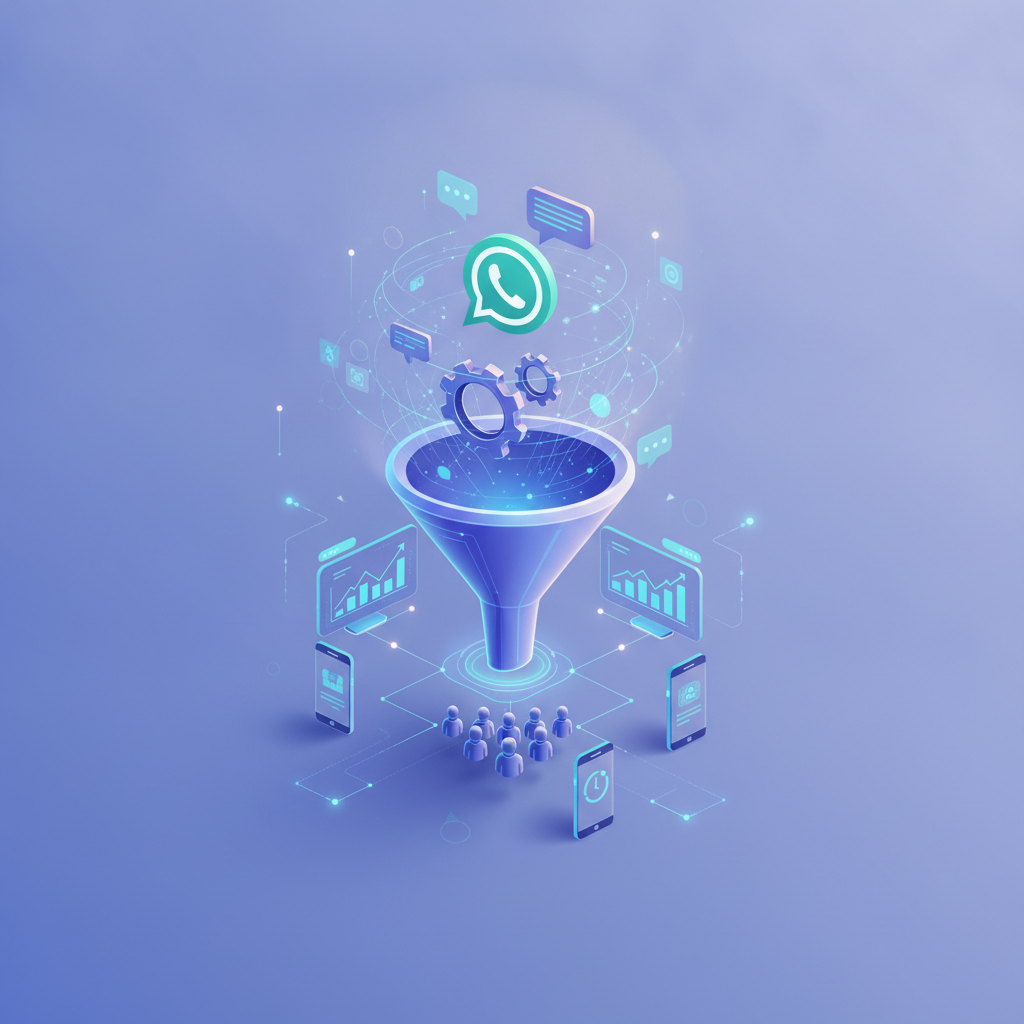
The digital landscape is shifting towards conversational interfaces. Customers expect instant, convenient, and personalized communication on the platforms they already use daily. Failing to meet this expectation means losing out to competitors who do. Here’s why automation on WhatsApp is no longer a luxury, but a necessity.
24/7 Customer Support and Instant Replies
Your customers don't just have questions during your 9-to-5 business hours. An automated system can provide instant answers to frequently asked questions (FAQs) about shipping, returns, store hours, or product details anytime, day or night. This immediate response capability significantly boosts customer satisfaction and reduces the burden on your support team.
By handling routine queries automatically, your human agents can dedicate their time to resolving complex or sensitive issues that require empathy and critical thinking. This leads to faster resolution times and a more efficient support operation overall.
Scalable Lead Generation and Nurturing
WhatsApp automation can transform your lead generation process. You can create automated flows that engage potential customers who click on an ad or scan a QR code. The chatbot can ask qualifying questions, collect contact information, and even schedule a demo or sales call, all within the WhatsApp chat.
Once a lead is captured, you can use automated sequences to nurture them with relevant information, case studies, or special offers. This keeps your brand top-of-mind and guides prospects through the sales funnel without manual follow-up from your sales team until they are truly sales-ready.
"By 2025, customer service organizations that embed AI in their multichannel customer engagement platform will elevate operational efficiency by 25%." - Gartner
Personalized Marketing Campaigns at Scale
The WhatsApp Business API allows for sending pre-approved "template messages" to customers who have opted in. This opens up a powerful channel for proactive marketing. You can send personalized promotions, back-in-stock alerts, new product announcements, and event reminders directly to your customers' most-used app.
With open rates often exceeding 90%—a figure email marketing can only dream of—WhatsApp automation ensures your message gets seen. By integrating with your CRM, you can segment your audience and send highly targeted messages that resonate with individual customer preferences and purchase history.
Core Components of a Successful WhatsApp Automation Strategy

A powerful automation system is more than just auto-replies. It's a combination of technology and strategy working in harmony. Here are the essential building blocks.
Chatbots and Conversational AI
Chatbots are the heart of WhatsApp automation. They range from simple rule-based bots that follow a predefined script to sophisticated AI-powered bots that use Natural Language Processing (NLP) to understand and respond to user intent. A well-designed chatbot can handle a wide range of tasks, from answering FAQs to processing orders.
The key is to design conversational flows that feel natural and helpful, not robotic. Always include an "escape hatch" that allows users to easily connect with a human agent if the bot can't resolve their issue.

Trigger-Based Workflows
Workflows are automated sequences of actions that are triggered by a specific event. For example, when a customer places an order on your website (the trigger), a workflow can automatically send them an order confirmation message on WhatsApp. Other common triggers include a new customer signing up, a support ticket being created, or a user abandoning their shopping cart.
Mapping out these customer journey touchpoints and building automated workflows around them is fundamental to creating a seamless and proactive customer experience.
CRM and E-commerce Integration
The true power of the WhatsApp Business API is unlocked through integration. Connecting WhatsApp to your Customer Relationship Management (CRM) system allows you to sync conversation history and customer data, giving your team a complete view of every interaction. This enables highly personalized conversations.
Similarly, integrating with your e-commerce platform (like Shopify or WooCommerce) enables powerful use cases. You can automate abandoned cart reminders, send shipping updates with tracking links, and even facilitate purchases directly within the WhatsApp chat, creating a frictionless buying experience.
Practical Use Cases for WhatsApp Business Automation
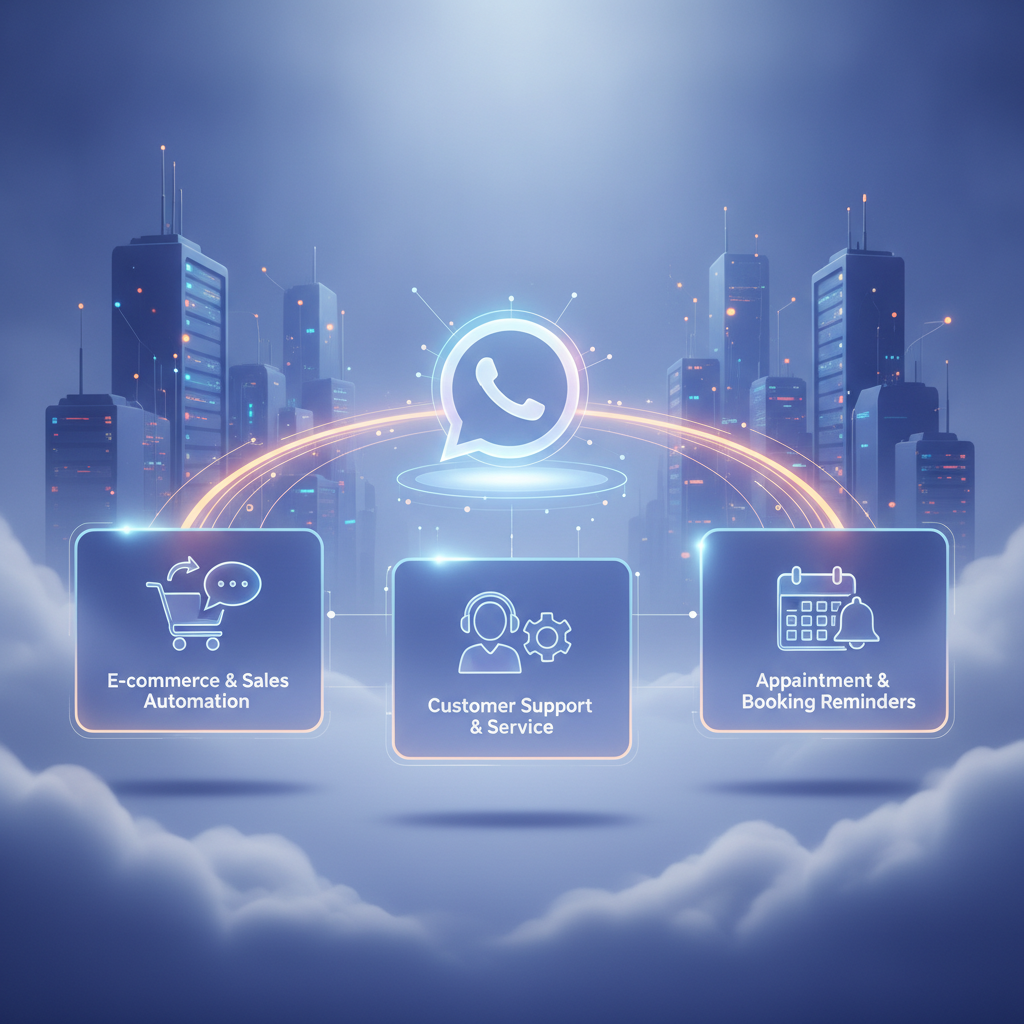
Theory is great, but how does this look in practice? Here are some industry-specific examples of how businesses are leveraging WhatsApp automation for real-world results.
E-commerce: Order Updates & Abandoned Cart Recovery
An online store can automatically send a WhatsApp message to a customer the moment their order is shipped, complete with a tracking number. This proactive communication reduces "Where is my order?" (WISMO) queries. Furthermore, if a customer leaves items in their cart, an automated message sent a few hours later with a gentle reminder or a small discount code can significantly boost conversion rates.
Real Estate: Property Inquiries & Appointment Booking
A real estate agency can place a QR code on a "For Sale" sign. When a prospective buyer scans it, a WhatsApp chat opens with a chatbot. The bot can provide property details, share a virtual tour link, and ask qualifying questions. If the prospect is interested, the bot can check an agent's calendar and book a viewing appointment directly in the chat.
Education: Course Information & Admission Alerts
A university or online learning platform can use a chatbot to answer common questions about courses, fees, and eligibility. Prospective students can opt-in to receive admission deadline reminders, application status updates, and important announcements. This streamlines the admissions process and keeps applicants engaged.
How to Get Started with the WhatsApp Business API
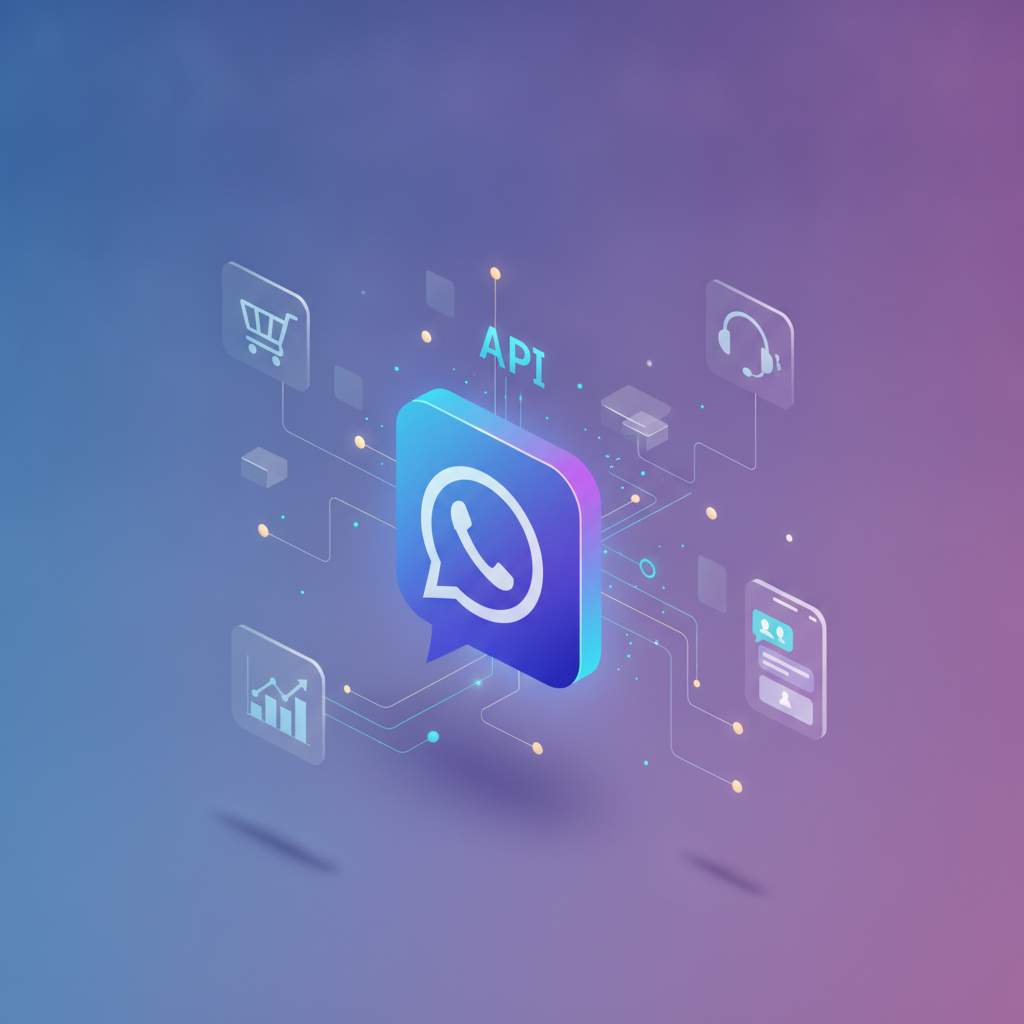
Implementing advanced automation requires using the WhatsApp Business API. Unlike the standard app, you can't just download it. The process involves a few key steps.
Choosing a Business Solution Provider (BSP)
To access the API, you must go through an official Meta Business Solution Provider. BSPs are companies that provide the software and infrastructure to connect your business to the WhatsApp Business API. They handle the technical setup, provide a platform for managing messages, and offer tools for building chatbots and automations. When choosing a BSP, consider their features, reliability, and pricing plans.
Setting Up Your API Account and Phone Number
Your chosen BSP will guide you through the application process. This involves verifying your business through Meta Business Manager and connecting a phone number to be used for the API. This number cannot be the same one used for the standard WhatsApp or WhatsApp Business app. You'll need a new, clean number for the API.
Designing Your First Automated Conversation Flow
Start small. Identify the most common, repetitive query your support team receives. Design a simple chatbot flow to answer that question. For example, create a workflow for "What are your business hours?". Test it thoroughly before expanding to more complex automations. You can learn more about how to use Repli to build these flows easily.
For official guidelines and technical specifications, you can always refer to the official WhatsApp Business Platform documentation from Meta.
Frequently Asked Questions
What is WhatsApp Business Automation?
WhatsApp Business Automation is the use of software, chatbots, and the WhatsApp Business API to manage customer interactions and workflows without manual effort. It allows businesses to send automated replies, notifications, and marketing messages, and handle customer support queries at scale, 24/7.
How do I start with WhatsApp automation?
To start, you need to apply for the WhatsApp Business API through an official Business Solution Provider (BSP). Once approved, you can use the BSP's platform to build chatbots, set up automated message flows for customer service, and integrate WhatsApp with your other business tools like your CRM.
How much does WhatsApp Business API automation cost?
The cost typically involves two parts: a fee from your Business Solution Provider (BSP) for their platform, and Meta's conversation-based pricing. Meta charges per 24-hour conversation window, with different rates for user-initiated and business-initiated conversations. Prices vary by country and BSP.
Is WhatsApp automation better than email marketing?
They serve different purposes but WhatsApp often has higher engagement. WhatsApp boasts significantly higher open and click-through rates (often over 90%) due to its personal and immediate nature. It's best for instant notifications and conversational marketing, while email is better for long-form content and newsletters.
Why is my WhatsApp Business automation not working?
Common issues include problems with your API connection, errors in your chatbot flow logic, or using a message template that hasn't been approved by Meta. First, check your BSP's platform status. Then, review your workflow triggers and actions. Ensure any promotional messages comply with WhatsApp's policies.
Can I use WhatsApp automation for sales?
Absolutely. You can use it to qualify leads with chatbots, recover abandoned carts, send personalized product recommendations, and even process orders directly in the chat. By integrating it with your e-commerce and CRM systems, WhatsApp becomes a powerful conversational sales channel.
What's the difference between the WhatsApp Business App and the API?
The Business App is a free tool for small businesses with basic features like quick replies and is tied to a single device. The Business API is a paid service for larger companies that enables advanced automation, chatbots, multi-agent access, and integration with business software for scaling communication.
Conclusion
The future of customer communication is conversational, instant, and personal. As we move towards 2026, implementing a strategy for WhatsApp Business automation is no longer just an innovative idea—it is a competitive necessity. By leveraging the WhatsApp Business API, you can deliver exceptional 24/7 customer service, scale your sales and marketing efforts, and build stronger customer relationships on the world's most popular messaging platform. Don't let your business get left behind in the conversational revolution.
Ready to transform your customer communication? Explore how Repli's powerful and intuitive platform can help you launch your WhatsApp Business automation strategy today. Discover our features and start building better customer conversations now.
Frequently Asked Questions
What is The Ultimate 2026 WhatsApp Business Automation Guide?
Master WhatsApp Business automation with our 2026 complete guide. Learn to enhance customer engagement, automate responses, and drive sales for future growth.
Is Repli free to use for Instagram automation?
Yes. Repli's free plan includes unlimited Comment-to-DM automations and 500 DM messages per month. No credit card required.
Is Repli safe for my Instagram account?
Yes. Repli uses the official Meta Graph API — Instagram's approved third-party automation interface. There is no screen-scraping and no risk of account suspension.
How much does Repli cost?
Free forever plan; Pro is ₹499/month, Pro+ is ₹999/month, and Pro Business starts at ₹2,999/month. Cancel anytime.
Does Repli work with WhatsApp too?
Yes. Repli supports the official WhatsApp Business Cloud API for AI replies, appointment booking, lead capture and template broadcasts.